Green maps that show the break before you putt.
Every green GolfCore scans is drawn with contour lines and arrows that point downhill, so you can see where a putt will fall before you read it on the green.


Contour lines and arrows show which way the green falls.
A green map turns the putting surface into bands of height with contour lines. Arrows follow the fall line, the way water would run off the green, so the break is visible from the fairway. The heights come from public elevation surveys, cleaned to the green itself.
- Bands of height contour lines across the putting surface
- Fall lines arrows that follow the way water would run
- The green itself survey heights cleaned to the putting surface
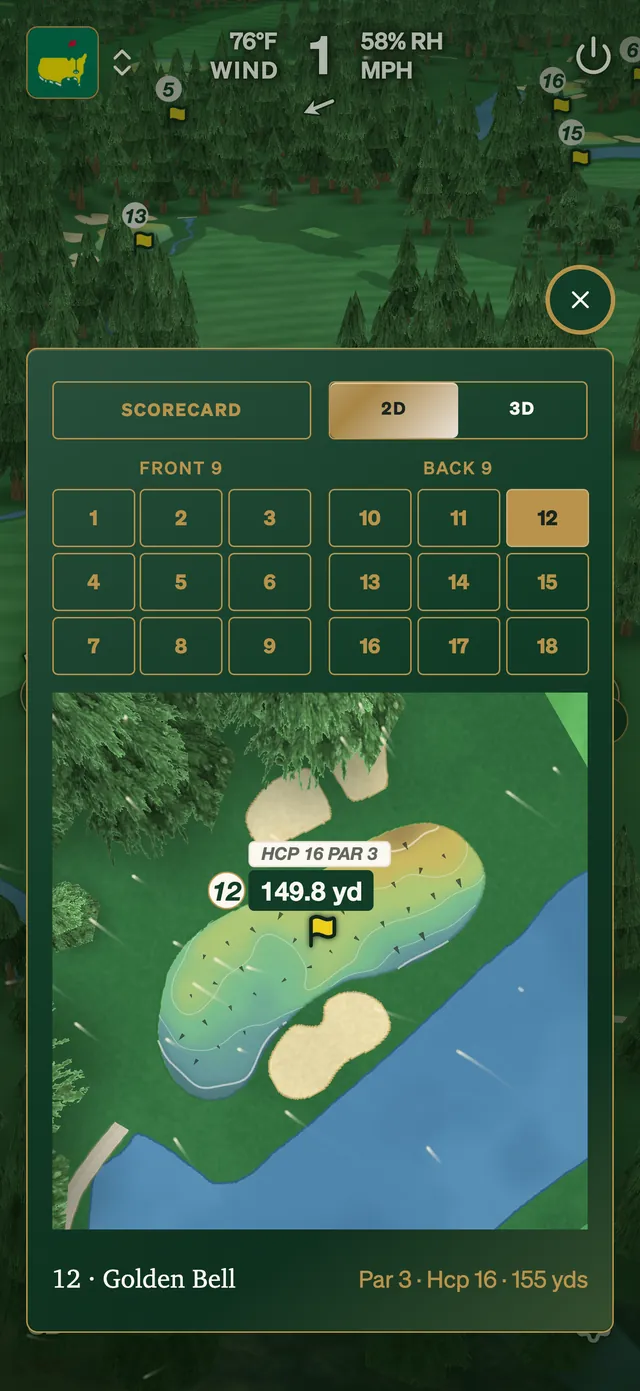
See it from the approach.
Open the green map before your approach shot and you can pick the side of the hole that leaves an uphill putt.
- Before you hit in pick the side that leaves an uphill putt
- The day's pin drawn on the green when the club sets it
- On the wrist the green's elevation map on Apple Watch and Wear OS
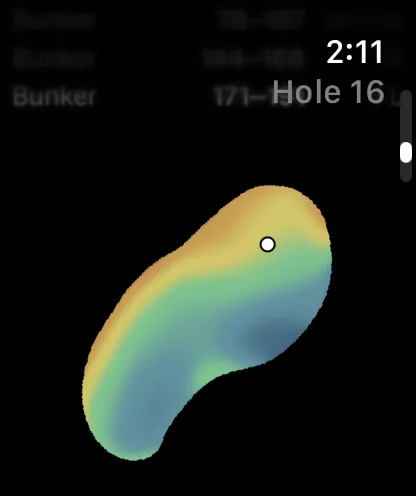
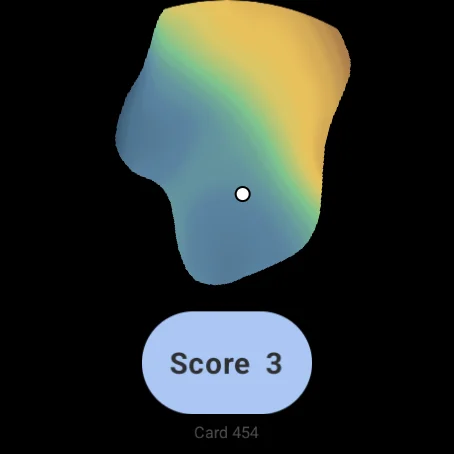
Every course page says whether its greens are mapped.
Each course page shows whether its greens are mapped. GolfCore adds new courses as it scans them, and you can ask for yours at support@golfcore.org.
- New courses added as GolfCore scans them
- Ask for yours at support@golfcore.org
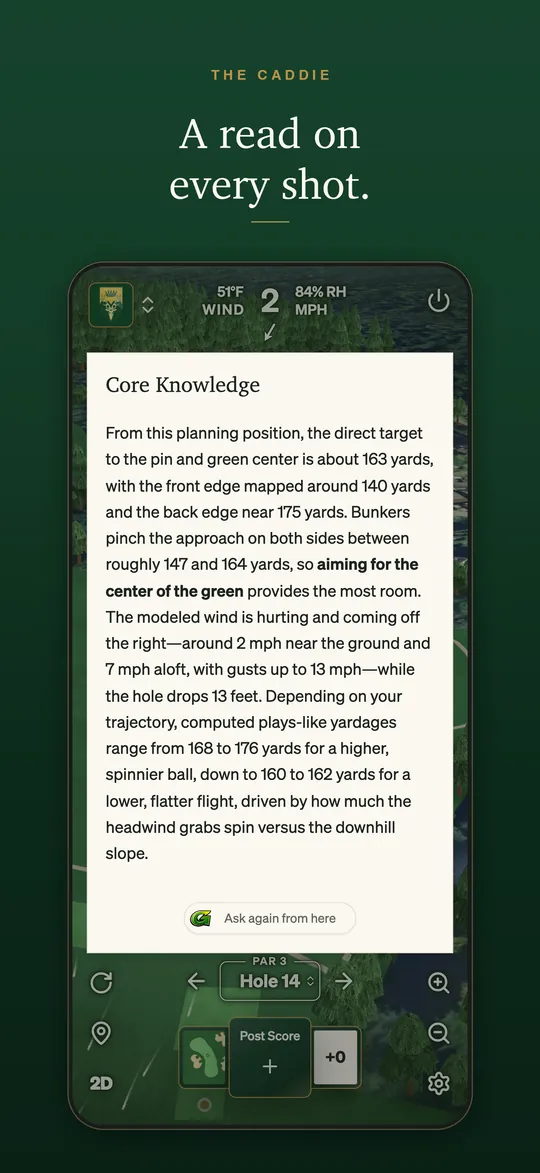
How GolfCore's green maps compare.
Each comparison takes the other app's features and prices from its own website. Judge for yourself:
Common questions
What is a green map?
A green map is a contour map of the putting green: lines of equal height with arrows along the fall line, so you can see which way and how much the green slopes.
Are green maps free?
Green maps are part of CaddyCore Premium. New accounts start with a complimentary preview.
Is every course mapped?
No. Green maps cover every green GolfCore has scanned, and each course page says whether its greens are mapped.
Write us. A person reads every message.
Account help, club onboarding and questions about GolfCore. One address for all of it.
Contact GolfCore →